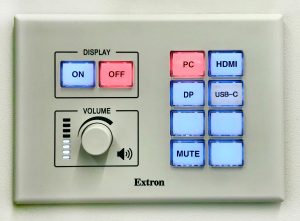
Go to the panel close to the screen and select DISPLAY ON and PC.
You will find the wireless input keyboard and mouse on the table.
Sing in Details:
Username: ieseguest
Password: Work.room
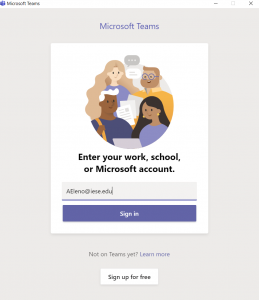
Open Teams Desktop App. You will find it in the task bar.

Now type your Teams Account Credentials.
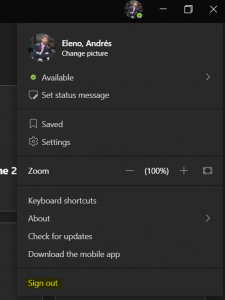
(Remember to sign out before leave the room)
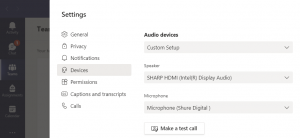
All IESE work rooms are equipped with WebCam and Micro for online meetings. Please select Shure Digital as Microphone for the best audio input experience.